Tell us what you need
Tell us what you wanted to do next after opening a drawing on site with JWW見れる君 / 見える子さん, or what got in your way. We can’t promise to do everything, but we read every request.
The form is in Japanese, but you can write in any language.
What you can do on site
A tool for the people who receive drawings.
OS iOS 16 or later (iPhone, iPad) / macOS 13 (Ventura) or later (Mac with Apple silicon M1 or later) / Android 8.0 or later
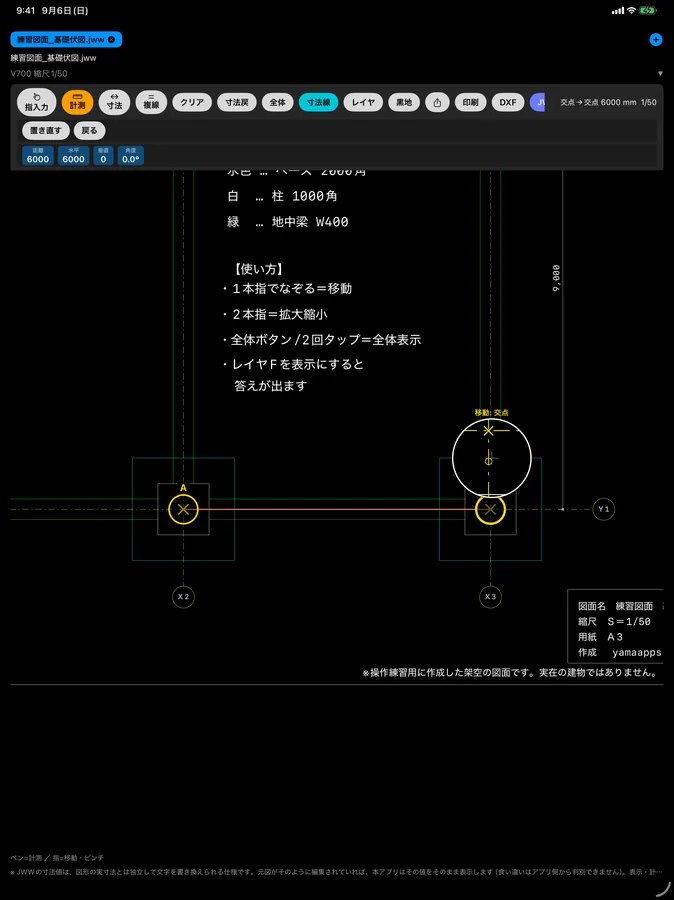
Real screens
The drawing shown is a fictional drawing made for practice.
If you are new
The part people get stuck on is “how to measure”. Read just that part first.
Pick two points on the drawing and you get the dimension. Put the point near an endpoint or intersection and it snaps there by itself, so you don’t need to aim exactly. On iPhone and iPad (JWW見れる君) you drag the A and B handles onto the lines; on Android (JWW見える子さん) it is a three-step rhythm: “aim → release → 確定 (Confirm)”.
The manual covers everything from getting the drawing onto your phone to writing on it and sending it back.
Sometimes a computer is faster
For someone used to Jw_cad doing serious drafting, a computer can be faster.
But on site, again and again you need to know “how many mm from here to here?” or “I only want to check this opening”. You don’t need to go back to the office to open a computer, or convert the JWW to PDF and send it again each time. Open the JWW as it is on the phone or tablet in your hand, pick two points, and you get the dimension.
Even people who don’t usually use CAD on a computer can finish the checks they need right there on site.
Who makes this
A working formwork carpenter and site foreman develops and improves it while using it on site himself.
On site I have walked “back to the truck just to check a drawing” hundreds of times. What I needed was not drafting but an answer right there. So I made it myself.
If you have a request, I’ll fix it. The voice from the site is the fastest way.
Pricing
One-time purchasePay once
Monthly planRenews automatically. Cancel anytime
Choose a one-time purchase or a monthly plan. You can try it for free.
For prices, please check the App Store or Google Play.
Get the app
The iOS and Android versions are separate apps. Both are available now. Choose the one for your device.
Handy tools
Make all the folders for a site at once (free, no sign-up, in Japanese)
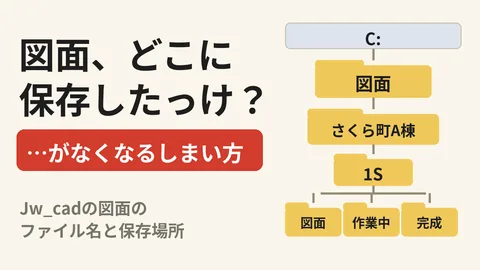
How to use the folder tool, in this video (the video is in Japanese)